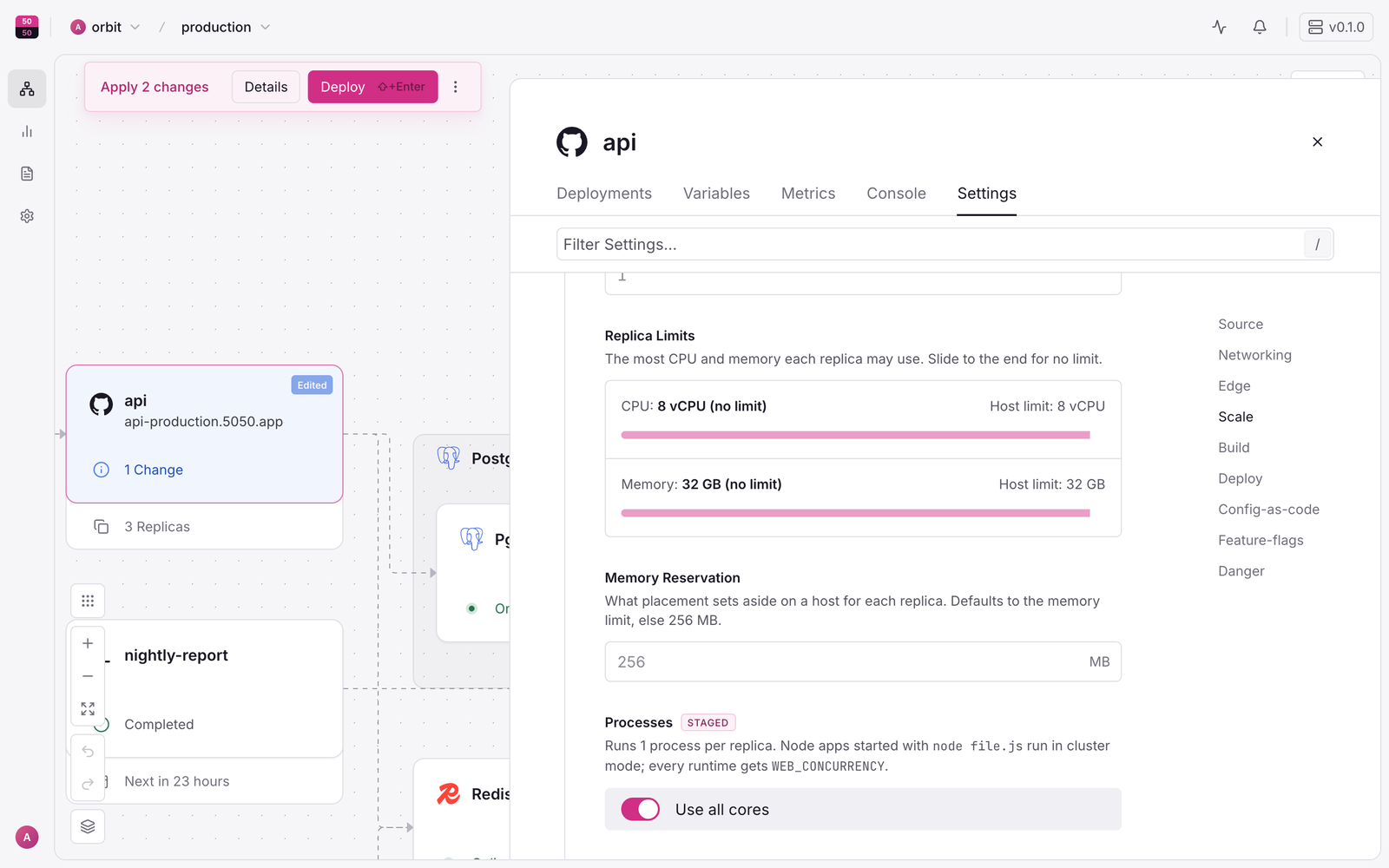
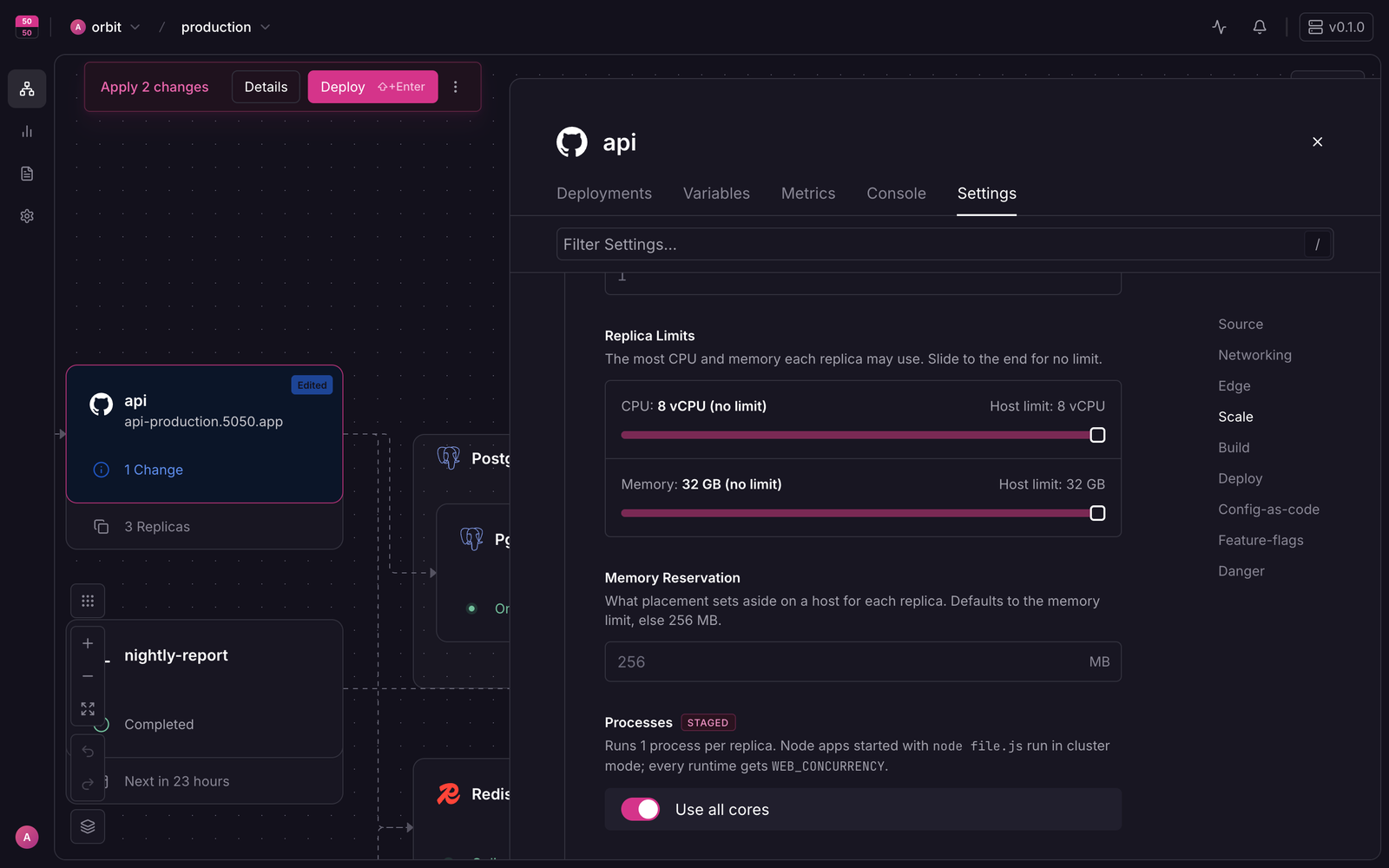
Use all cores
Run one process per vCPU in each replica so single-threaded runtimes like Node use every core of the host.
Turn it on
- Open the service, go to Settings > Scale.
- Turn on Use all cores (it sets Processes to
auto), or set a number. - Select Deploy.
auto means one process per vCPU of the service's CPU limit, or of the host when there is no limit, between 1 and 32.
Node
When the start command is node [flags] <file> (directly, or as the start script that npm start runs), openrail runs your app in Node cluster mode: N processes sharing one port. The panel shows "Runs N Node processes sharing port P (cluster mode)". Your code needs no change.
Work that must run once (a scheduler, a migration) should check CLUSTER_WORKER: it is unset or 1 in exactly one process.
Other runtimes
openrail sets WEB_CONCURRENCY=N and FIFTY_PROCESSES=N. Many servers read WEB_CONCURRENCY:
| Server | How it uses it |
|---|---|
| gunicorn | Reads WEB_CONCURRENCY as the default worker count |
| uvicorn | --workers $WEB_CONCURRENCY |
| puma | workers ENV.fetch("WEB_CONCURRENCY") in config/puma.rb (the Rails default) |
| PHP-FPM, Go, Rust, Java | Already use every core; leave Processes at 1 |
Replicas instead
Replicas on one host also use all cores, and they restart independently. Use replicas when your runtime cannot fork workers.
Memory
Memory use grows with each process. Raise the memory limit when you raise Processes.
The measured result
Measured on 2026-10-23 on openrail 0.1.1, on one 8 vCPU VM with 4 physical cores (Ubuntu 24.04, 32 GB), with oha on the same VM through the HTTPS proxy, 32 connections, median of 3 runs of 30 s:
| Work per request | One process | Use all cores | On / off |
|---|---|---|---|
| 300,000 primes (about 35 ms) | 59.2 req/s | 239 req/s | 4.05x |
| 60,000 primes | 534 req/s | 2,232 req/s | 4.18x |
With Use all cores on, the console says "Runs 8 Node processes sharing port 8080 (cluster mode)". One process uses one core, so the ceiling is the number of physical cores: this VM has 4 (lscpu shows Core(s) per socket: 4, Thread(s) per core: 2), and throughput rose about 4x. Every request succeeded in every run.
Why the gain is about physical cores
An earlier run on a 2 vCPU VM with 1 physical core (2 threads) gained only 1.03x at 300,000 primes (58.9 to 60.4 req/s) and 1.07x at 60,000 (516 to 554 req/s). Both Node workers ran at 100% CPU, but they shared one core's divider. A CPU-bound loop gains almost nothing from a core's second hardware thread, so count physical cores, not vCPUs. Check lscpu on your VM before expecting a multiple. The load generator and proxy shared the VM with the app, so a second load machine would leave the app a little more CPU.