Rollbacks
Roll back to an earlier deployment and get its exact image and the variables it ran with.
Roll back
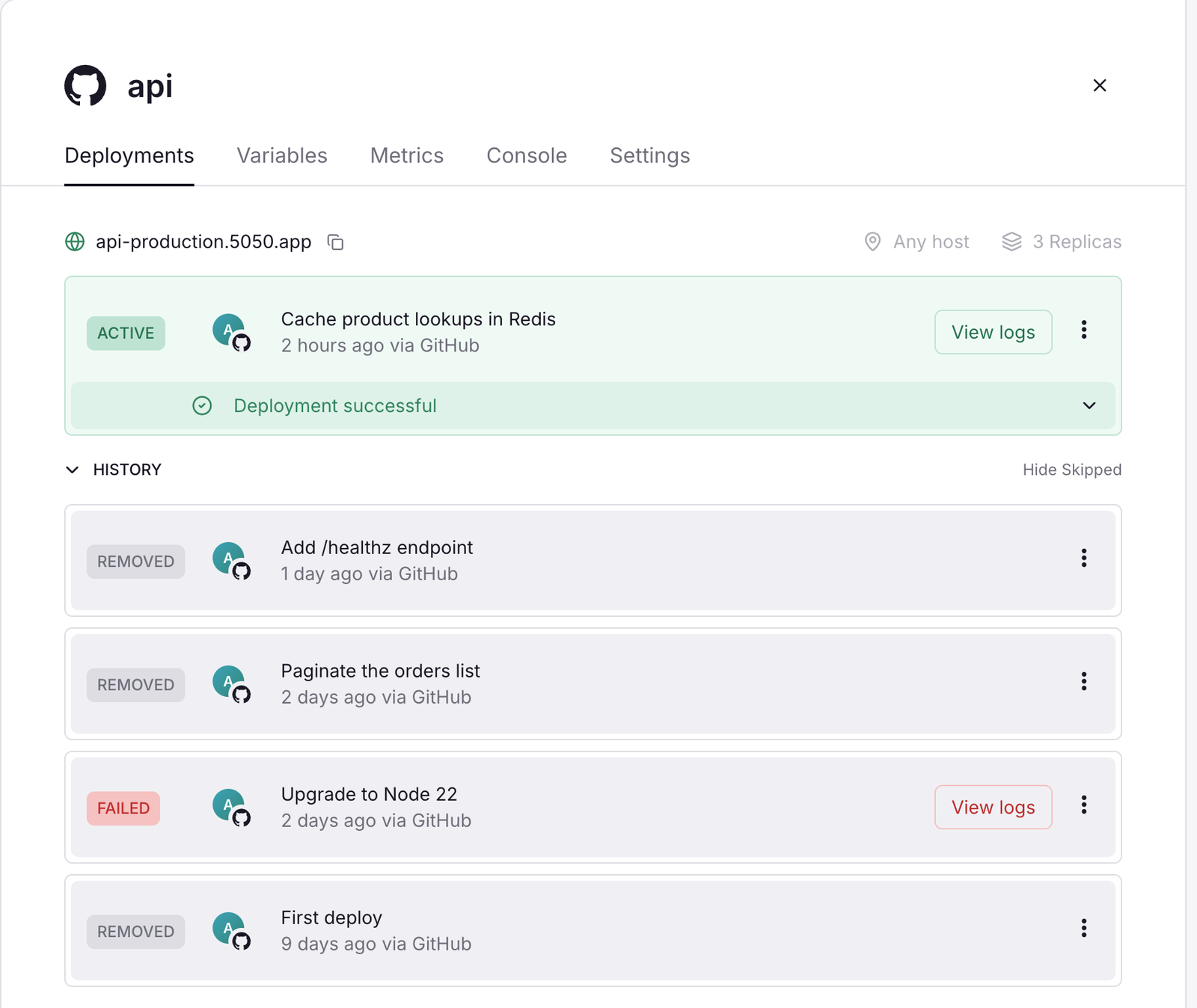
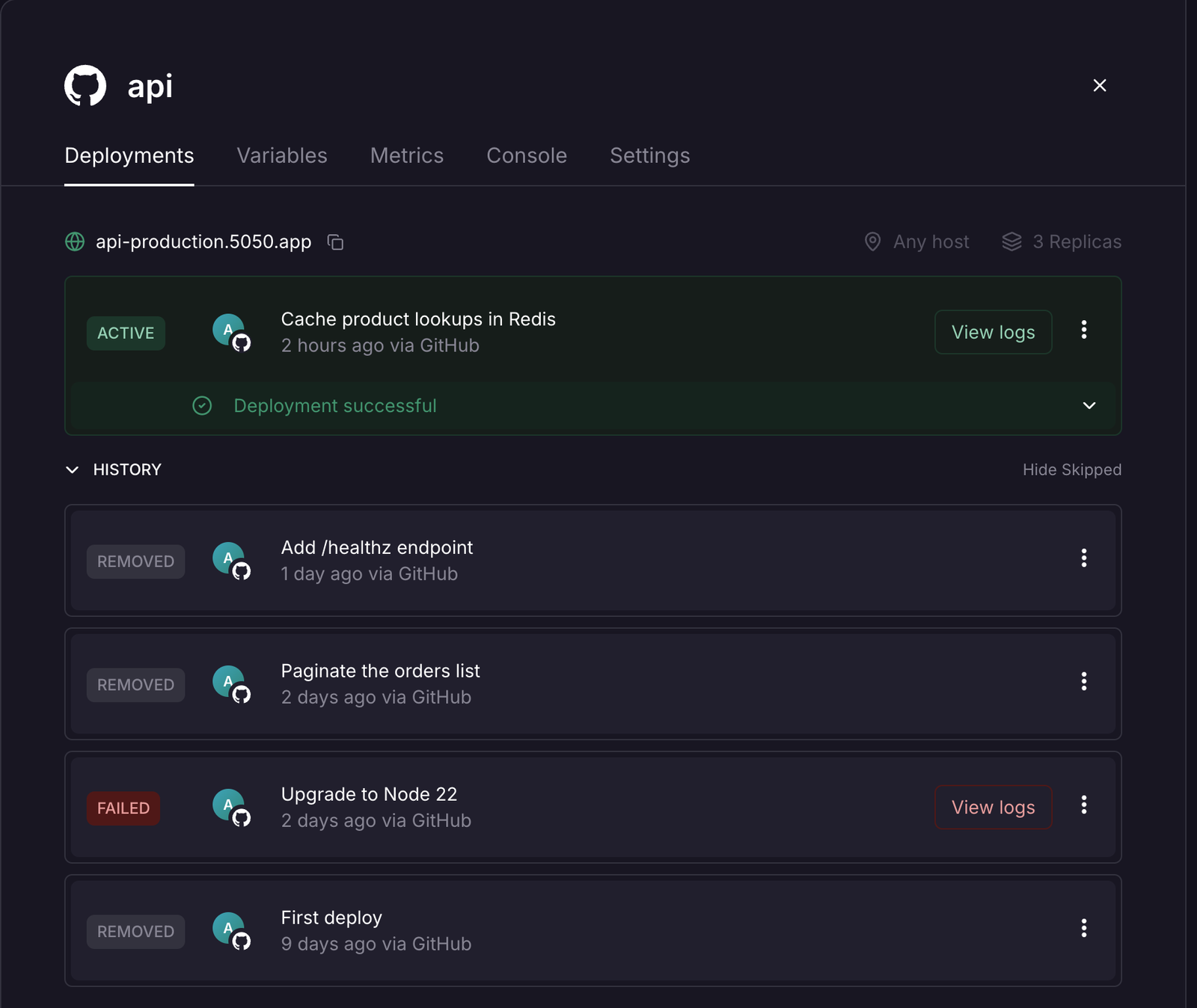
- Open the service's Deployments tab.
- Open the menu of an earlier deployment and select Rollback.
The rollback is a new deployment with the old image, settings snapshot and variable snapshot. Your committed settings and variables are not changed; the next deploy uses them again.
How far back
The registry keeps the newest 10 images per service (a setting), with no time limit. For a deployment whose image is gone, Rollback is not offered; Redeploy from its commit is.
Other actions
| Action | Effect |
|---|---|
| Redeploy | A new deployment from the same image and snapshots as the chosen one |
| Restart | Restart the active containers one replica at a time |
| Abort | Cancel a queued or building deployment; the old one keeps serving |
| Remove | Stop the active deployment |